Brass 3
Tuesday, 2nd October 2007
Quake isn't dead, but I've shifted my concentration to trying to get Brass 3 (the assembler project) out.
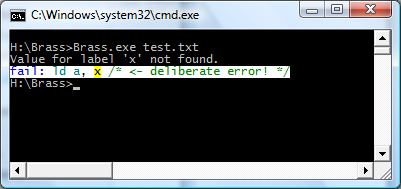
Brass 2 didn't really work, but I've taken a lot of its ideas - namely the plugin system - and kept some of the simplicity from Brass 1. The result works, and is easy to extend and maintain. Last night I got it to compile all of the programs I used for testing Brass 1 against TASM successfully.
I'm taking advantage of .NET's excellent reflection capabilities; one such example is marking plugin functions with attributes for documentation purposes, meaning that all you need to get Brass documentation is to drop your plugin collection assemblies (DLLs) into the Brass directory then open the help viewer app.
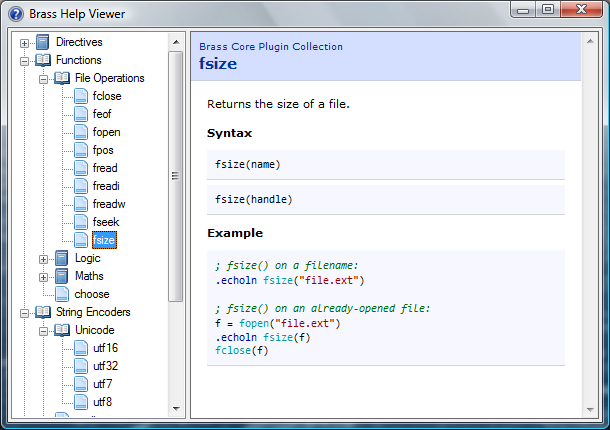
The source code examples are embedded as text, but compiled by the viewer (and thus syntax-highlighted) so you can click on directives or functions and it'll jump to their definitions automatically.
Native function support and a much-improved parser means that complex control structures can be built up, like:
file = fopen("somefile.txt")

#while !feof(file)
    .db fread(file)
#loop

fclose(file)
The compiler invokes the plugins, and the plugins talk back to the compiler ("remember your current position", "OK, we need to loop, so go back to this position", "this loop fails, so switch yourself off until you hit the #loop directive again").
The compiler natively works with project files (rather than some horrible command-line syntax) which specify which plugins to load, which include directories to search and so on and so forth. There are a number of different plugin classes:
- IAssembler - CPU-specific assembler.
- IDirective - assembler directive.
- IFunction - functions like abs() or fopen().
- IOutputWriter - writes the object file to disk (eg raw, intel hex, TI-83+ .8xp).
- IOutputModifier - modifies each output byte (eg "unsquishing" bytes to two ASCII charcters for the TI-83).
- IStringEncoder - handles the conversion of strings to byte[] arrays (ascii, utf8, arcane mappings for strange OS).
Unlike Brass 2, though, I actually have working output from this, so hopefully it'll get released!
As a bonus, to compare outputs between this and TASM (to check it was assembling properly) I hacked together a binary diff tool from the algorithm on Wikipedia (with the recursion removed) - it's not great, but it's been useful to me. 
using System;
using System.Collections.Generic;
using System.Text;
using System.IO;

namespace Differ {
	class Program {
		static void Main(string[] args) {

			// Prompt syntax:
			if (args.Length != 2) {
				Console.WriteLine("Usage: Differ <file1> <file2>");
				return;
			}

			// Load both files into byte arrays (sloppy, but whatever).
			byte[][] Data = new byte[2][];

			for (int i = 0; i < Data.Length; ++i) {
				try {
					byte[] Source = File.ReadAllBytes(args[i]);
					Data[i] = new byte[Source.Length + 1];
					Array.Copy(Source, 0, Data[i], 1, Source.Length);
				} catch (Exception ex) {
					Console.WriteLine("File load error: " + args[i] + " (" + ex.Message + ")");
					return;
				}
			}

			// Quick-and-dirty equality test:
			if (Data[0].Length == Data[1].Length) {
				bool IsIdentical = true;
				for (int i = 0; i < Data[0].Length; ++i) {
					if (Data[0][i] != Data[1][i]) {
						IsIdentical = false;
						break;
					}
				}
				if (IsIdentical) {
					Console.WriteLine("Files are identical.");
					return;
				}
			}

			if (Data[0].Length != Data[1].Length) {
				Console.WriteLine("Files are different sizes.");
			}

			// Analysis:
			int[,] C = new int[Data[0].Length, Data[1].Length];
			for (int i = 1; i < Data[0].Length; ++i) {
				if ((i - 1) % 1000 == 0) Console.Write("\rAnalysing: {0:P}...", (float)i / (float)Data[0].Length);
				for (int j = 1; j < Data[1].Length; ++j) {
					if (Data[0][i] == Data[1][j]) {
						C[i, j] = C[i - 1, j - 1] + 1;
					} else {
						C[i, j] = Math.Max(C[i, j - 1], C[i - 1, j]);
					}
				}
			}
			Console.WriteLine("\rResults:".PadRight(Console.BufferWidth - 1));

			List<DiffData> CollectedDiffData = new List<DiffData>(Math.Max(Data[0].Length, Data[1].Length));

			for (int i = Data[0].Length - 1, j = Data[1].Length - 1; ; ) {
				if (i > 0 && j > 0 && Data[0][i] == Data[1][j]) {
					CollectedDiffData.Add(new DiffData(DiffData.DiffType.NoChange, Data[0][i], i, j));
					--i; --j;
				} else {
					if (j > 0 && (i == 0 || C[i, j - 1] >= C[i - 1, j])) {
						CollectedDiffData.Add(new DiffData(DiffData.DiffType.Addition, Data[1][j], i, j));
						--j;
					} else if (i > 0 && (j == 0 || C[i, j - 1] < C[i - 1, j])) {
						CollectedDiffData.Add(new DiffData(DiffData.DiffType.Removal, Data[0][i], i, j));
						--i;
					} else {
						CollectedDiffData.Reverse();
						break; // Done!
					}
				}
			}


			DiffData.DiffType LastType = (DiffData.DiffType)(-1);

			int PrintedData = 0;
			foreach (DiffData D in CollectedDiffData) {
				if (LastType != D.Type) {
					Console.WriteLine();
					Console.Write("{0:X4}:{1:X4}", D.AddressA - 1, D.AddressB - 1);
					LastType = D.Type;
					PrintedData = 0;
				} else if (PrintedData >= 16) {
					Console.WriteLine();
					Console.Write("         ");
					PrintedData = 0;
				}
				ConsoleColor OldColour = Console.ForegroundColor;

				switch (D.Type) {
					case DiffData.DiffType.NoChange:
						Console.ForegroundColor = ConsoleColor.White;
						break;
					case DiffData.DiffType.Addition:
						Console.ForegroundColor = ConsoleColor.Green;
						break;
					case DiffData.DiffType.Removal:
						Console.ForegroundColor = ConsoleColor.Red;
						break;
				}
				Console.Write(" " + D.Data.ToString("X2"));
				++PrintedData;
				Console.ForegroundColor = OldColour;
			}
			Console.WriteLine();

		}

		private struct DiffData {

			public enum DiffType {
				NoChange,
				Addition,
				Removal,
			}

			public DiffType Type;

			public byte Data;

			public int AddressA;
			public int AddressB;

			public DiffData(DiffType type, byte data, int addressA, int addressB) {
				this.Type = type;
				this.Data = data;
				this.AddressA = addressA;
				this.AddressB = addressB;
			}


		}
	}
}
Removals are shown in red, additions are shown in green, data that's the same is in white.
Dynamic Lighting
Tuesday, 18th September 2007
Quake has a few dynamic lights - some projectiles, explosions and the fireballs light up their surroundings.
Fortunately, the method used is very simple: take the brightness of the projectile, divide it by the distance between the point on the wall and the light and add it to the light level for that point. This is made evident by pausing the early versions of Quake; when paused the areas around dynamic lights get brighter and brighter as the surface cache gets overwritten multiple times.
The next problem is that a light on the far side of a thin wall will light up both sides! Happily, this bug wasn't fixed in Quake, and is very evident in the start level where you can see the light spots from the fireballs in the Hard hall on the walls of the Medium hall.
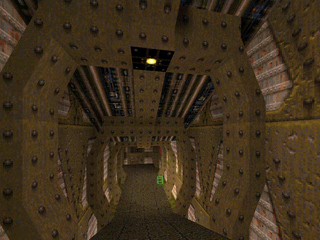
I'd noticed that fireball-spawning entites would occasionally spawn a still fireball then remove it some seconds later. Looking over the Quake source code, it would appear that in each update the game iterates over all entities, checks their movetype property, then applies physics as applicable. Fireballs don't seem to have any real physics to speak of (they can pass through walls) beyond adding gravity each update to their velocity.
This required some further changes to get the VM working, including console variable support (gravity is defined in the sv_gravity console variable - this allows for the special low-gravity Ziggurat Vertigo).
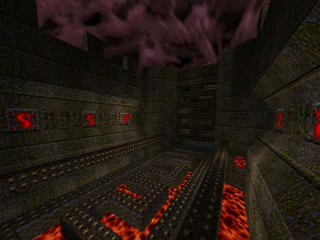
For some reason the pickups seem to have their movetype set to TOSS resulting in all of the pickups flying away when the level started (not to mention abysmal performance). I added a hack to the droptofloor() QuakeC function that sets their on-floor flag (and hence disables their physics), but I'm not sure what the best course of action is going to be. I'm having to dig deeper and deeper into Quake's source, now...
Bounding Box Bouncing
Friday, 14th September 2007
I've updated the collision detection between points and the world with Scet's idea of only testing with the faces in the leaf containing the start position of the point.
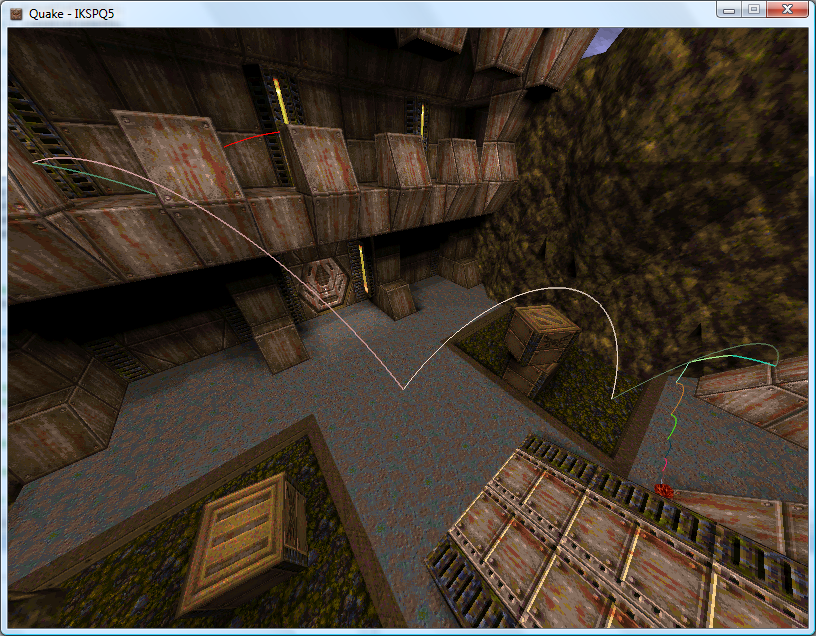
ZiggyWare's Simple Vector Rendering GameComponent is being very useful for testing the collision routines.
I have also extended the collision routines to bounding boxes. This fixes a few issues where a point could drop through a crack in the floor between two faces.
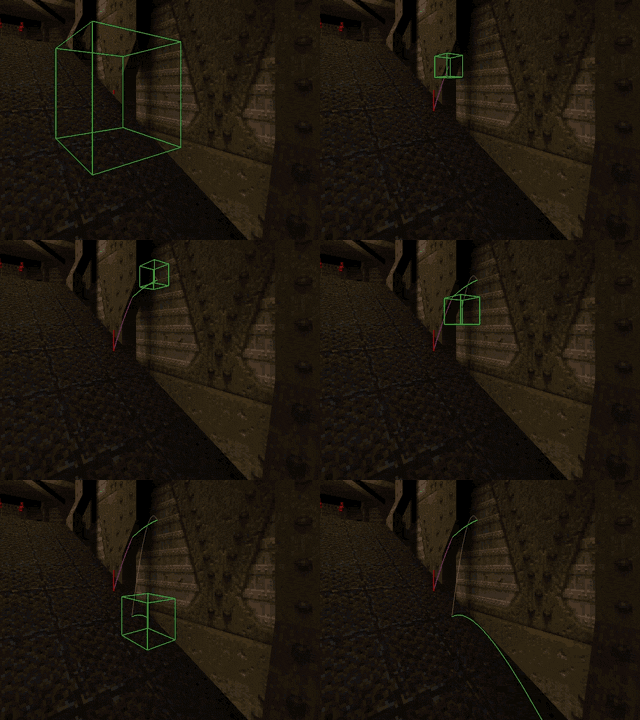
My technique is to test the collision between the eight corners of the box and then to pick the shortest collision and use that as the resultant position. This results in a bounding box that is not solid; you can impale it on a spike, for example.
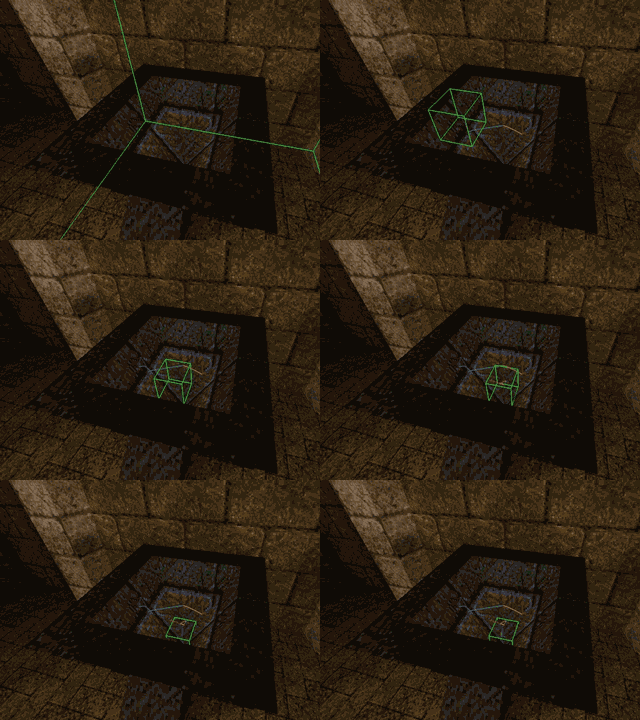
In the above screenshot, the cube comes to rest with the corners all lined up on cracks, which means that it slips through as its base isn't solid.
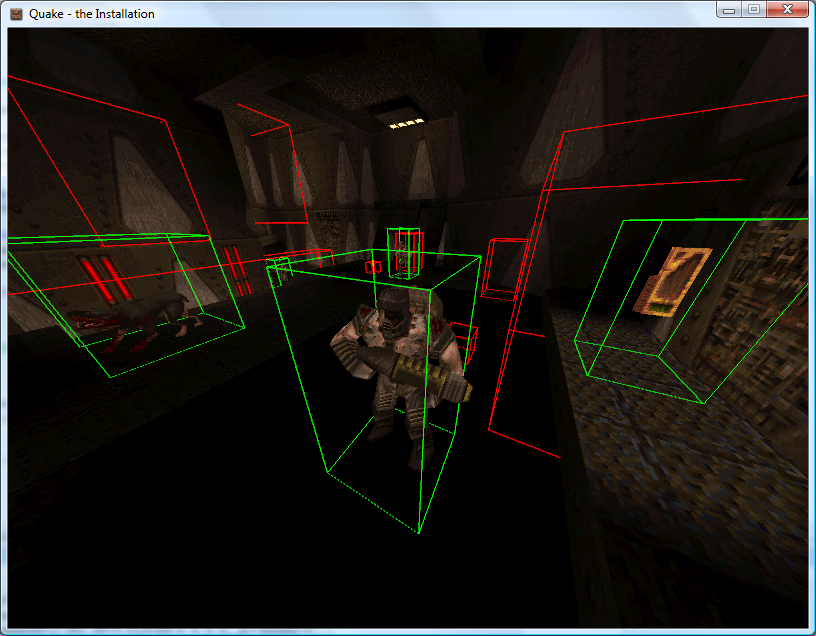
Happily, object collisions are simple bounding-box affairs, the bounding boxes set with QuakeC code, which should simplify things somewhat.
Goodness Gracious, Great Balls of Lava
Wednesday, 12th September 2007
I've reworked the VM completely to use an array of a union of a float and an int, rather than the MemoryStream kludge I was using before. This also removes a lot of the multiply-or-divide-by-four mess I had with converting indices to positions within the memory stream.
There are (as far as I know) three ways to invoke QuakeC methods. The first is when an entity is spawned, and this is only valid when the level is being loaded (the function that matches the entity's classname is called). The second is when an entity is touched (its touch function is called) and the third is when its internal timer, nextthink, fires (its think function is called).
The third is the easiest one to start with. On a monster-free level, there are still "thinking" items - every powerup item has droptofloor() scheduled to run.
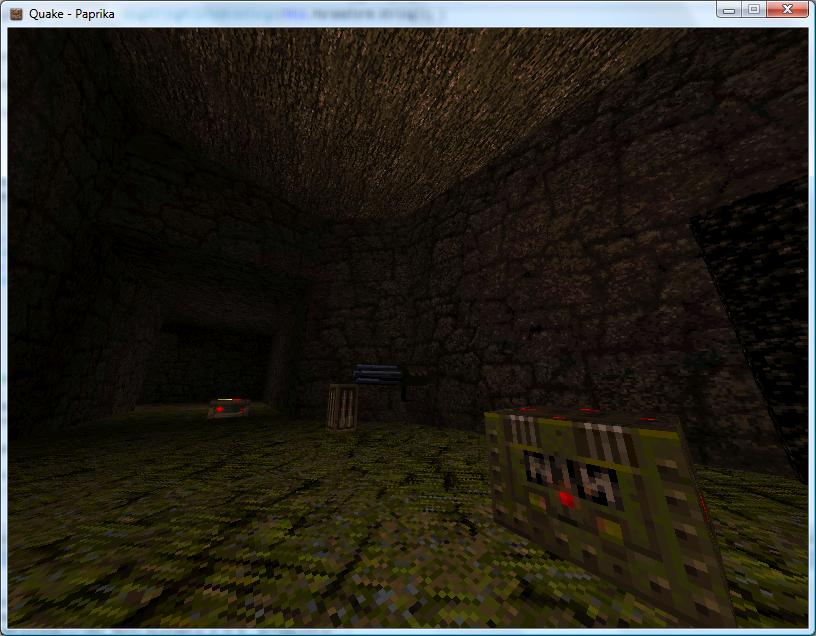
A strange feature of custom levels has been that all of the power-up items have been floating in mid-air.
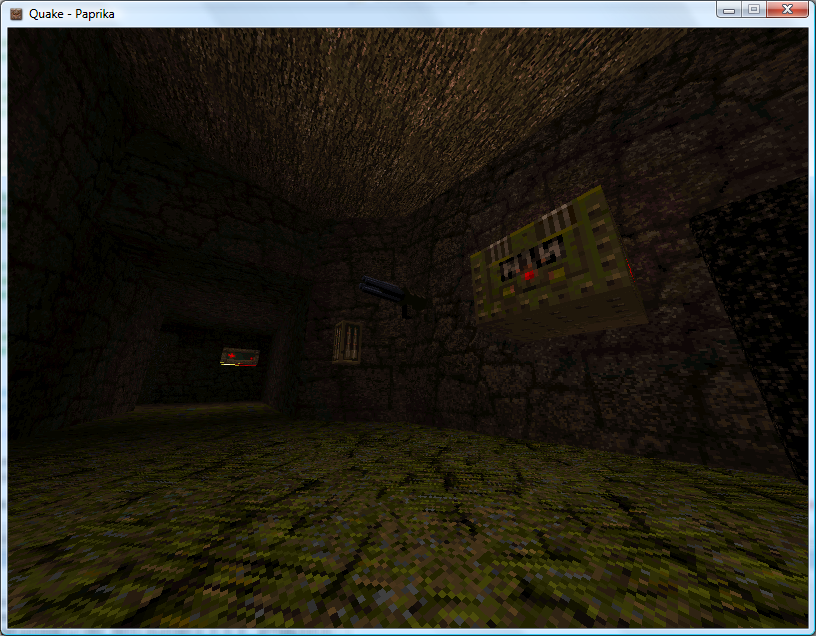
By hacking together some crude collision detection (face bouncing boxes and axial planes only) I could make those objects sit in the right place:
With many thanks to Zipster pointing me in the right direction I have extended this to perform collision detection of a moving vertex against all world faces.
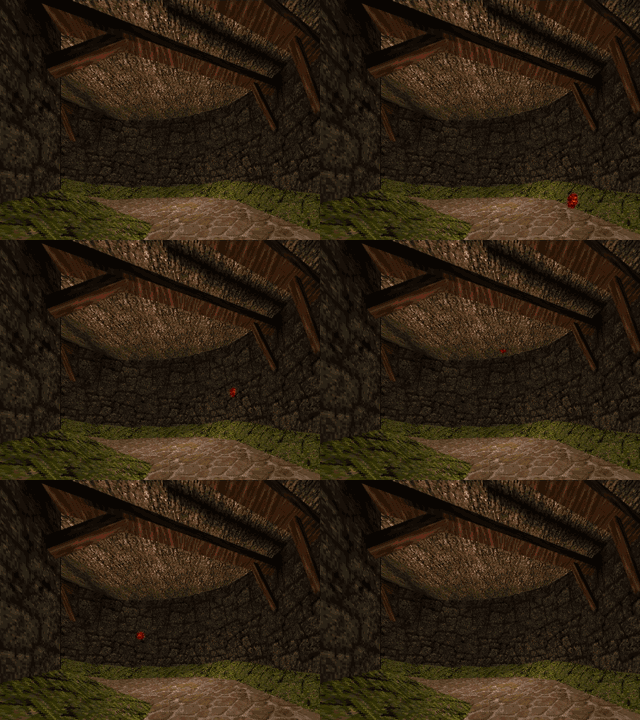
Here I fire a vertex (with a lava ball drawn around it to show where it is) through the world. When I hit a face I reflect the velocity by the face normal.
It looks much more realistic if I decrease the velocity z component over time (to simulate gravity) and reduce the magnitude of the velocity each time it hits a surface, so I can now bounce objects around the world:
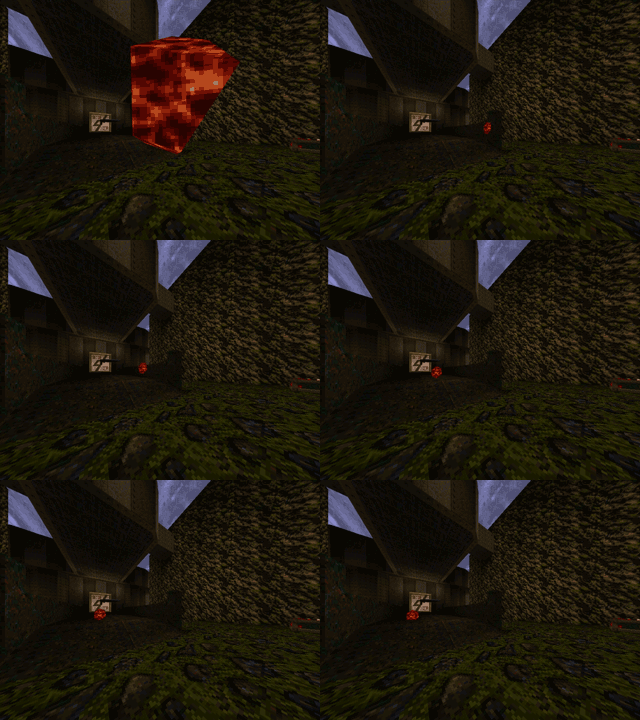
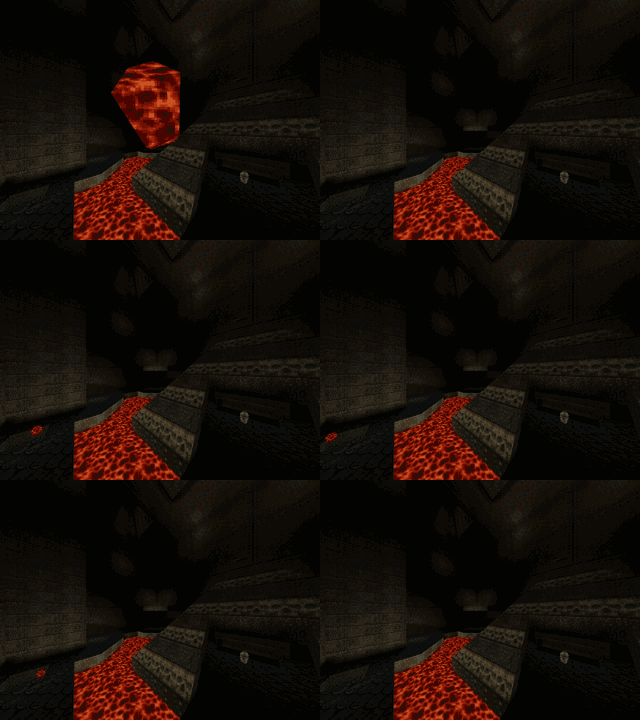
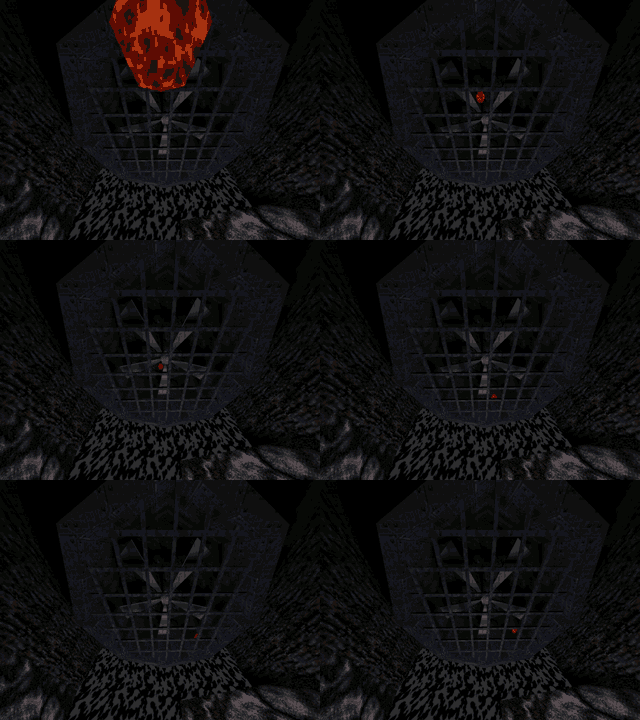
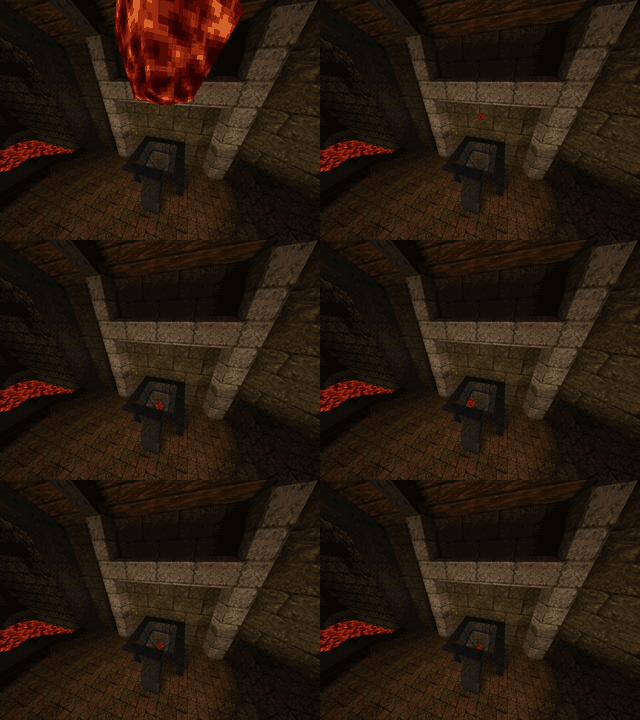
Performing the collision detection against every single face in the world is not very efficient (though on modern hardware I'm still in the high nineties). There are other problems to look into - such as collisions with invisible brushes used for triggers and collision rules when it comes to water and the sky, not to mention that I should really be performing bounding-box collision detection, not just single moving points. Points also need to slide off surfices, not just stop dead in their tracks.

Once a vertex hits a plane and has been reflected I push it out of the surface very slightly to stop it from getting trapped inside the plane. This has the side effect of lifting the vertex a little above the floor, which it then drops back against, making it slide down sloping floors.
Entities Spawned by QuakeC Code
Thursday, 6th September 2007
After all that time spent trying to work out how the QuakeC VM works I finally have some real-world results.
Apart from the obvious boring stuff going on in the background parsing and loading entities go, two functions in particular are of note. The first is a native function, precache_model(string) which loads and caches a model of some description (sprites, Alias models or BSP models). The QuakeC VM I've written raises an event (passing an event containing the name of the model to load), which the XNA project can interpret and use to load a model into a format it's happy with.
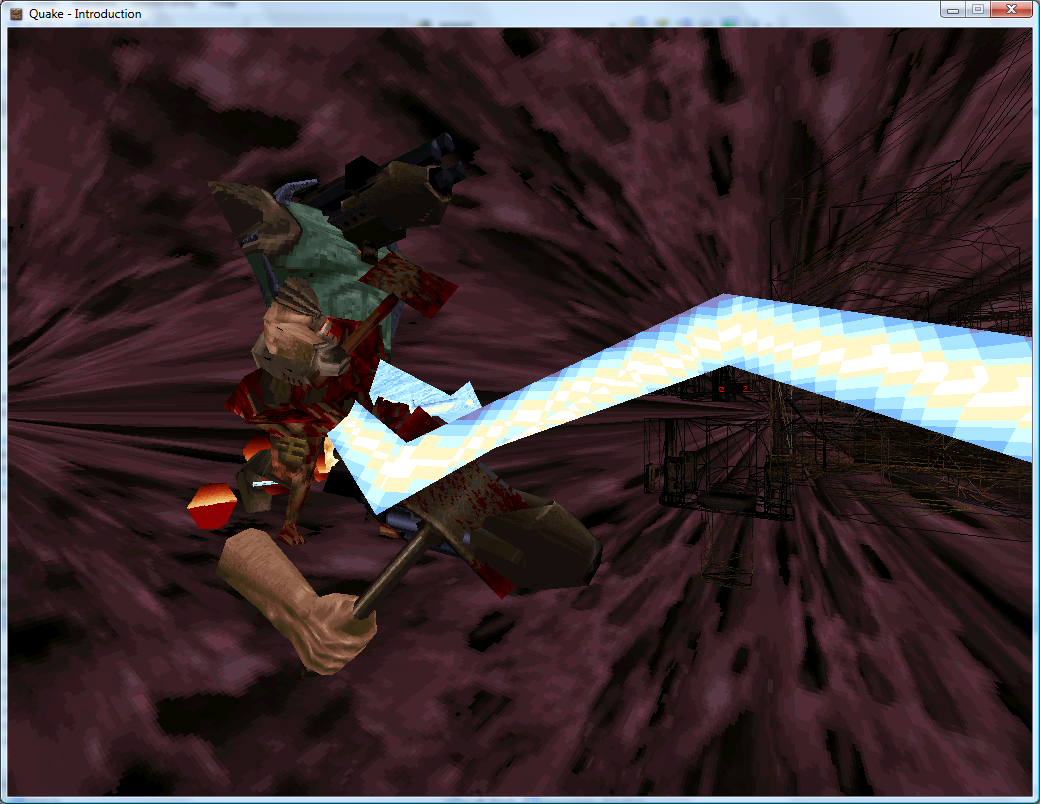
Inspiration for the Strogg in Quake 2?
With a suitable event handler and quick-and-dirty model renderer in place, the above models are precached (though they probably shouldn't be drawn at {0, 0, 0}).
The second function of interest is another native one, makestatic(entity). Quake supports three basic types of entity - dynamic entities (referenced by an index, move around and can be interacted with - ammo boxes, monsters and so on), temporary entities (removes itself from the game world automatically - point sprites) and static entities. Static entities are the easiest to handle - once spawned they stay fixed in one position, and can't be accessed (and hence can't be removed). Level decorations such as flaming torches are static. Here's the QuakeC code used to spawn a static small yellow flame:
void() light_flame_small_yellow =
{
	precache_model ("progs/flame2.mdl");
	setmodel (self, "progs/flame2.mdl");
	FireAmbient ();
	makestatic (self);
};
// Handle precache models:
void Progs_PrecacheModelRequested(object sender, Quake.Files.QuakeC.PrecacheFileRequestedEventArgs e) {
	switch (Path.GetExtension(e.Filename)) {
		case ".mdl":
			if (CachedModels.ContainsKey(e.Filename)) return; // Already cached.
			CachedModels.Add(e.Filename, new Renderer.ModelRenderer(this.Resources.LoadObject<Quake.Files.Model>(e.Filename)));
			break;
		case ".bsp":
			if (CachedLevels.ContainsKey(e.Filename)) return; // Already cached.
			CachedLevels.Add(e.Filename, new Renderer.BspRenderer(this.Resources.LoadObject<Quake.Files.Level>(e.Filename)));
			break;
	}
}

// Spawn static entities:
void Progs_SpawnStaticEntity(object sender, Quake.Files.QuakeC.SpawnStaticEntityEventArgs e) {
	// Grab the model name from the entity.
	string Model = e.Entity.Properties["model"].String;

	// Get the requisite renderer:
	Renderer.ModelRenderer Renderer;
	if (!CachedModels.TryGetValue(Model, out Renderer)) throw new InvalidOperationException("Model " + Model + " not cached.");

	// Add the entity's position to the renderer:
	Renderer.EntityPositions.Add(new Renderer.EntityPosition(e.Entity.Properties["origin"].Vector, e.Entity.Properties["angles"].Vector));
}
The result is a light sprinkling of static entities throughout the level.
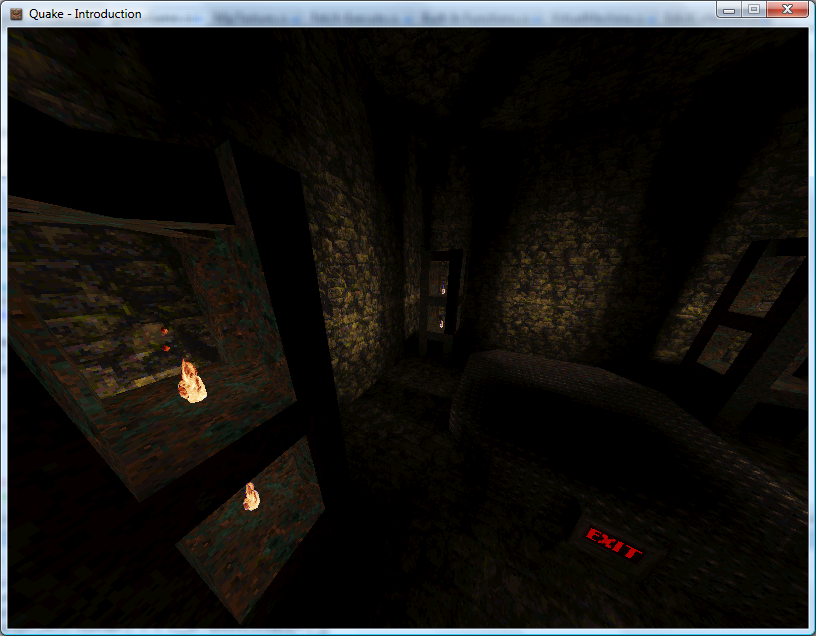
As a temporary hack I just iterate over the entities, checking if each one is still active, and if so lumping them with the static entities.
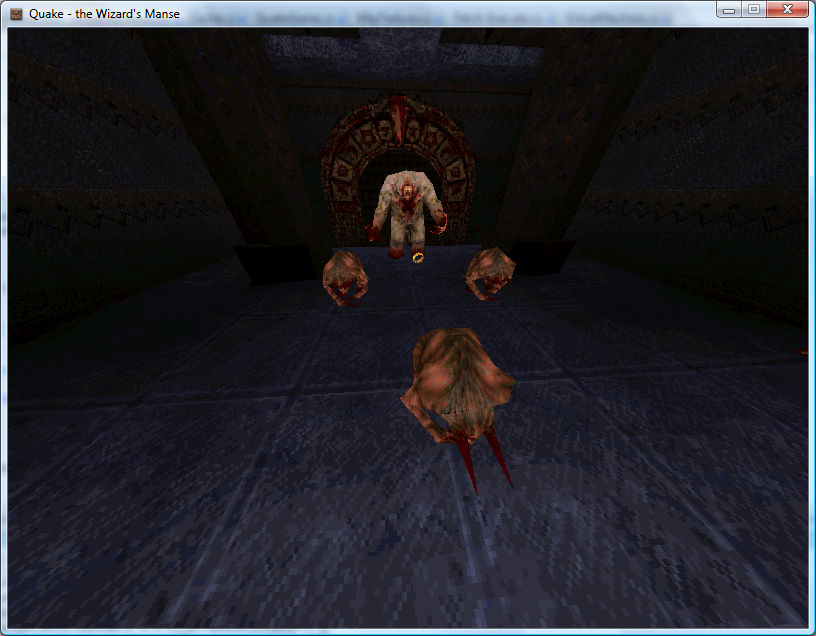
If you look back a few weeks you'd notice that I already had a lot of this done. In the past, however, I was simply using a hard-coded entity name to model table and dumping entities any old how through the level. By parsing and executing progs.dat I don't have to hard-code anything, can animate models correctly, and even have the possibility of running the original game logic.
An example of how useful this is relates to level keys. In some levels you need one or two keys to get to the exit. Rather than use the same keys for each level, or use many different entity classes for keys, the worldspawn entity is assigned a type (Mediaeval, Metal or Base) and the matching key model is set automatically by the key spawning QuakeC function:
/*QUAKED item_key2 (0 .5 .8) (-16 -16 -24) (16 16 32)
GOLD key
In order for keys to work
you MUST set your maps
worldtype to one of the
following:
0: medieval
1: metal
2: base
*/

void() item_key2 =
{
	if (world.worldtype == 0)
	{
		precache_model ("progs/w_g_key.mdl");
		setmodel (self, "progs/w_g_key.mdl");
		self.netname = "gold key";
	}
	if (world.worldtype == 1)
	{
		precache_model ("progs/m_g_key.mdl");
		setmodel (self, "progs/m_g_key.mdl");
		self.netname = "gold runekey";
	}
	if (world.worldtype == 2)
	{
		precache_model2 ("progs/b_g_key.mdl");
		setmodel (self, "progs/b_g_key.mdl");
		self.netname = "gold keycard";
	}
	key_setsounds();
	self.touch = key_touch;
	self.items = IT_KEY2;
	setsize (self, '-16 -16 -24', '16 16 32');
	StartItem ();
};
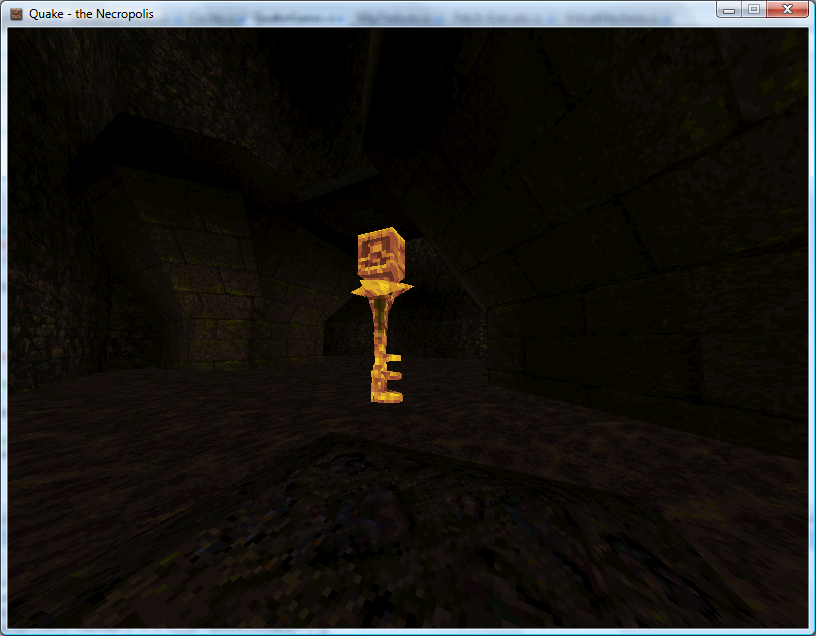
Mediaeval Key
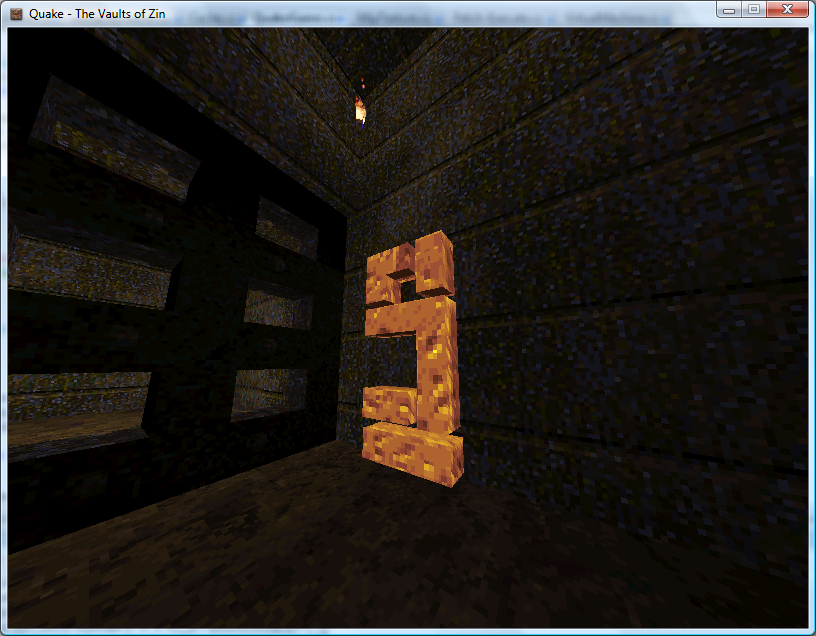
Metal Runekey
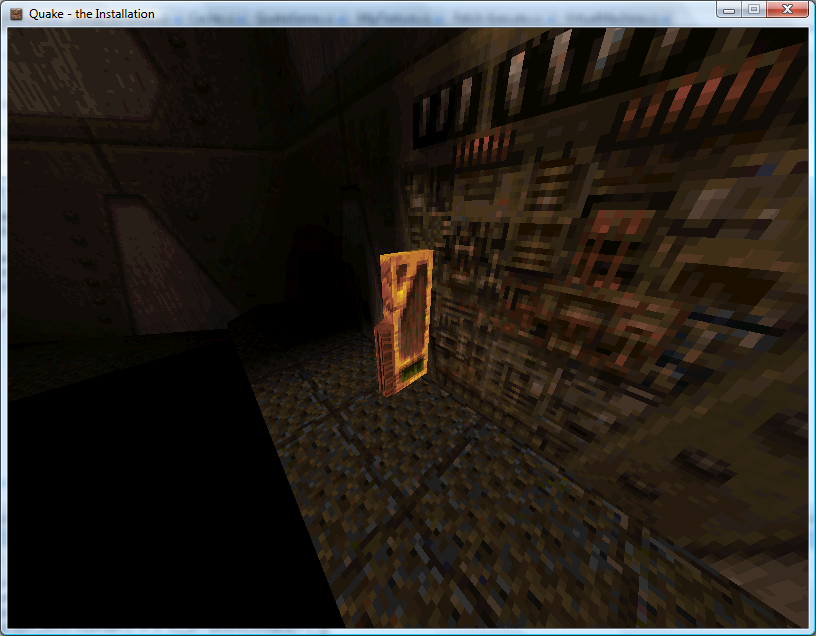
Base Keycard
One problem is entities that appear at different skill levels. Generally higher skill levels have more monsters, but there are other level design concerns such as swapping a strong enemy for a weaker one in the easy skill mode. In deathmatch mode entities are also changed - keys are swapped for weapons, for example. At least monsters are kind - their spawn function checks the deathmatch global and they remove themselves automatically, so adding the (C#) line Progs.Globals["deathmatch"].Value.Boolean = true; flushes them out nicely.
Each entity, however, has a simple field attached - spawnflags - that can have bits set to inhibit the entity from spawning at the three different skill levels.
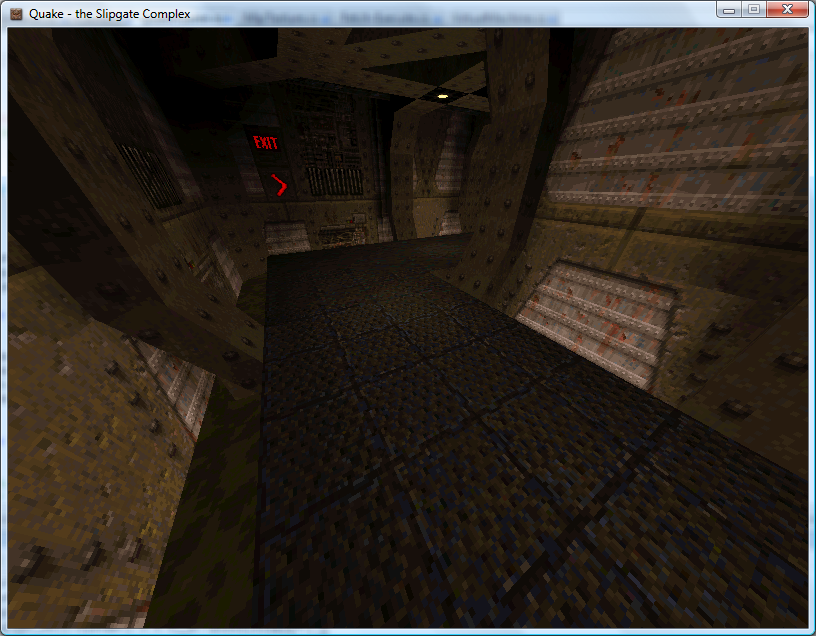
Easy
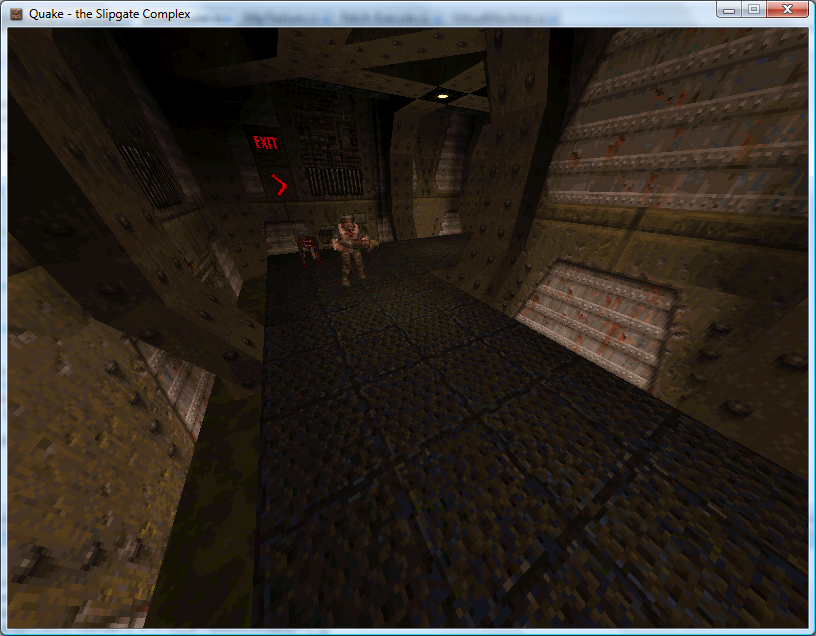
Medium
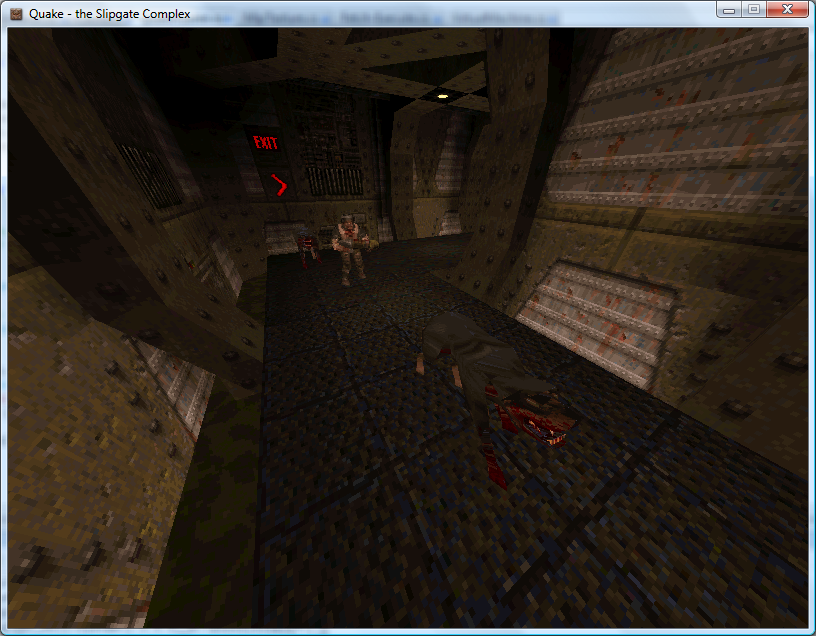
Hard
Regrettably, whilst the Quake 1 QuakeC interpreter source code is peppered with references to Quake 2 it would appear that Quake 2 used native code rather than QuakeC to provide gameplay logic, so I've dropped development on the Quake 2 side at the moment.